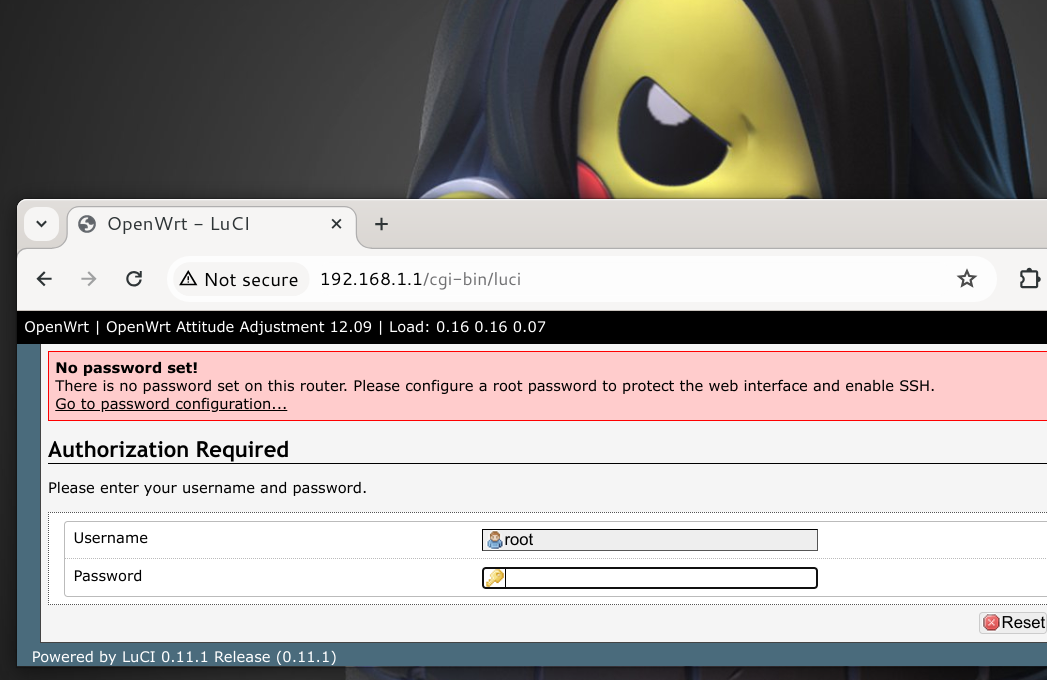
Switching TP-Link Router Firmware to OpenWRT
This article discusses how to replace the internal system (firmware) on TP-Link wireless routers. This method is applicable to all TP-Link routers. In the following case study, the object is the TP-Link MR3020 wireless router. Another term for this process is: flashing firmware.
Miscellaneous Issues
The flashing process will fail and damage (bricked) the router only if the wrong firmware version is uploaded or the router suddenly dies during the replacement process. Therefore, make sure to check the firmware version and the power supply to the router several times to ensure it does not suddenly disconnect during the process. The process duration ranges from 15-30 seconds.
All versions listed here are version 1.
Download OpenWRT Linux Firmware
Download the appropriate firmware for your router from https://archive.openwrt.org/attitude_adjustment/12.09/ar71xx/generic.
TP-Link MR3040 V1
Technical Info:
Power consumption: 5V DC/ 1A Maximum range: 30 meters
This version has a battery, so it can be used without being plugged into an electrical outlet.

Second-hand market price in 2024: IDR125,000
TP-Link MR3020 V1
Technical Info:
Power consumption: 5V DC/ 2A Maximum range: 50 meters
This version does not have a battery but can use a power bank for outdoor use.
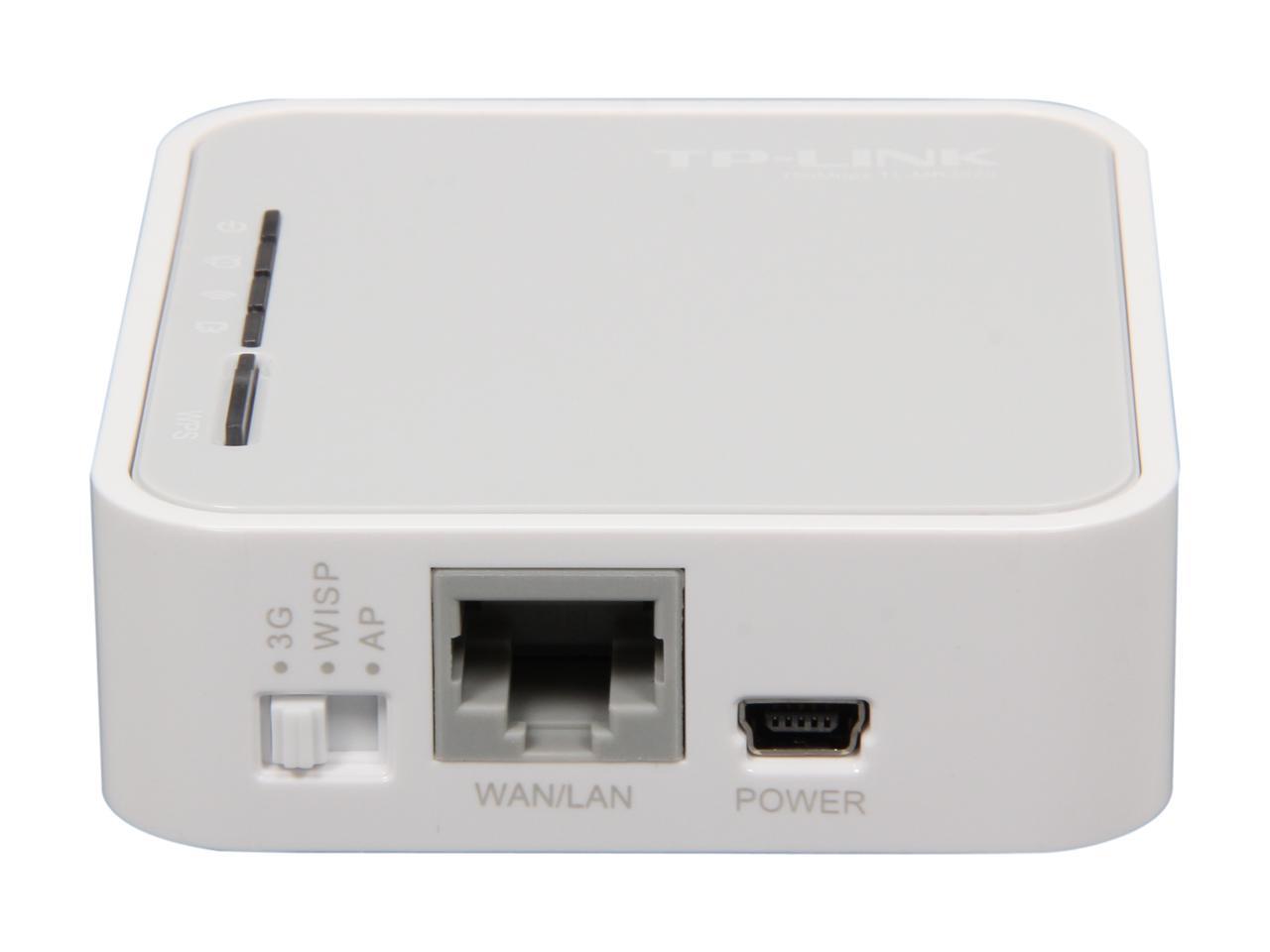
Second-hand market price in 2024: IDR100,000
TP-Link MR3420 V1
Technical Info:
Power consumption: 12V DC/ 1A Maximum range: 100 meters

Second-hand market price in 2024: IDR50,000 (cheapest)
This router is considered the most difficult to empower due to its very limited memory capacity. This is the reason why this tool is least sought after and avoided by buyers. Nevertheless, this router can run the Wireless Library system to build a digital library at the most economical cost.
TP-Link WR1043ND V1
Technical Info:
Power consumption: 12V DC/ 1.5A Maximum range: 150 meters

Second-hand market price in 2024: IDR150,000
Upload to Router
Log into the router admin page
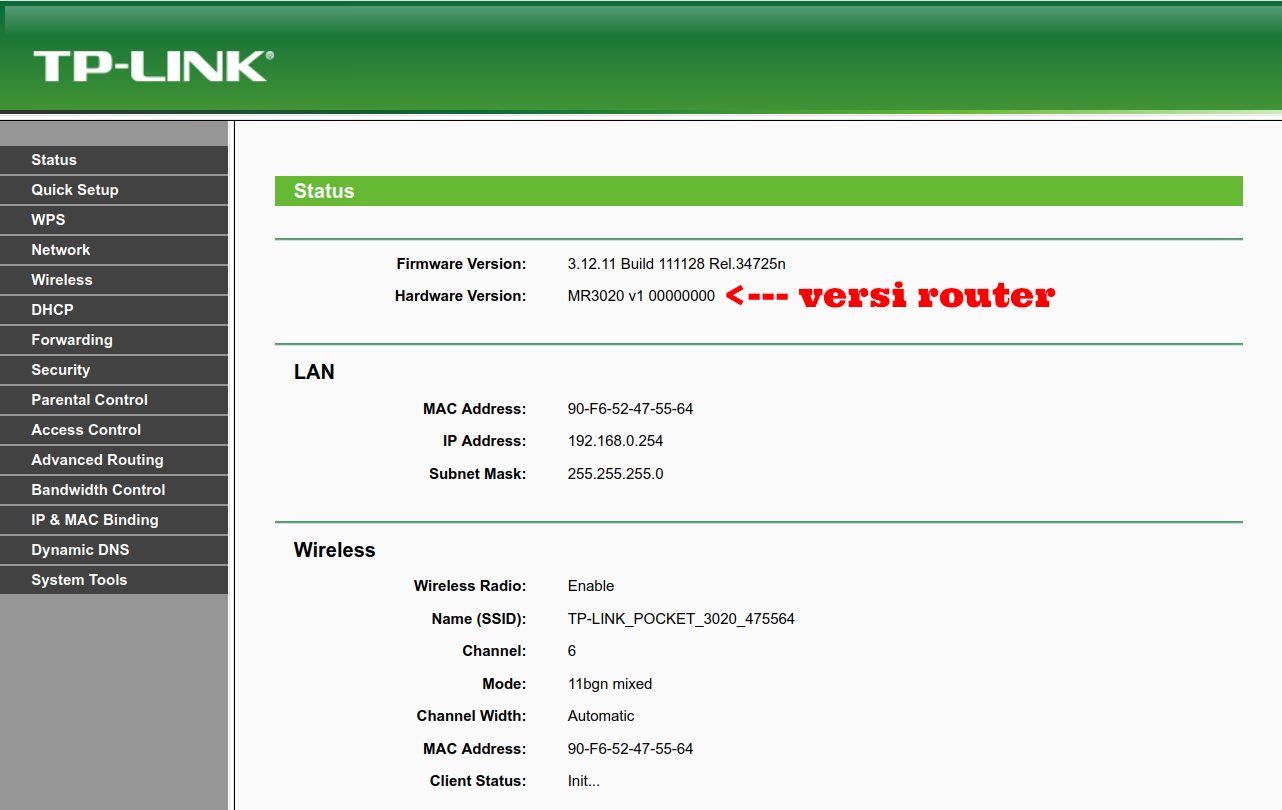
Double-check the router version displayed on the admin page
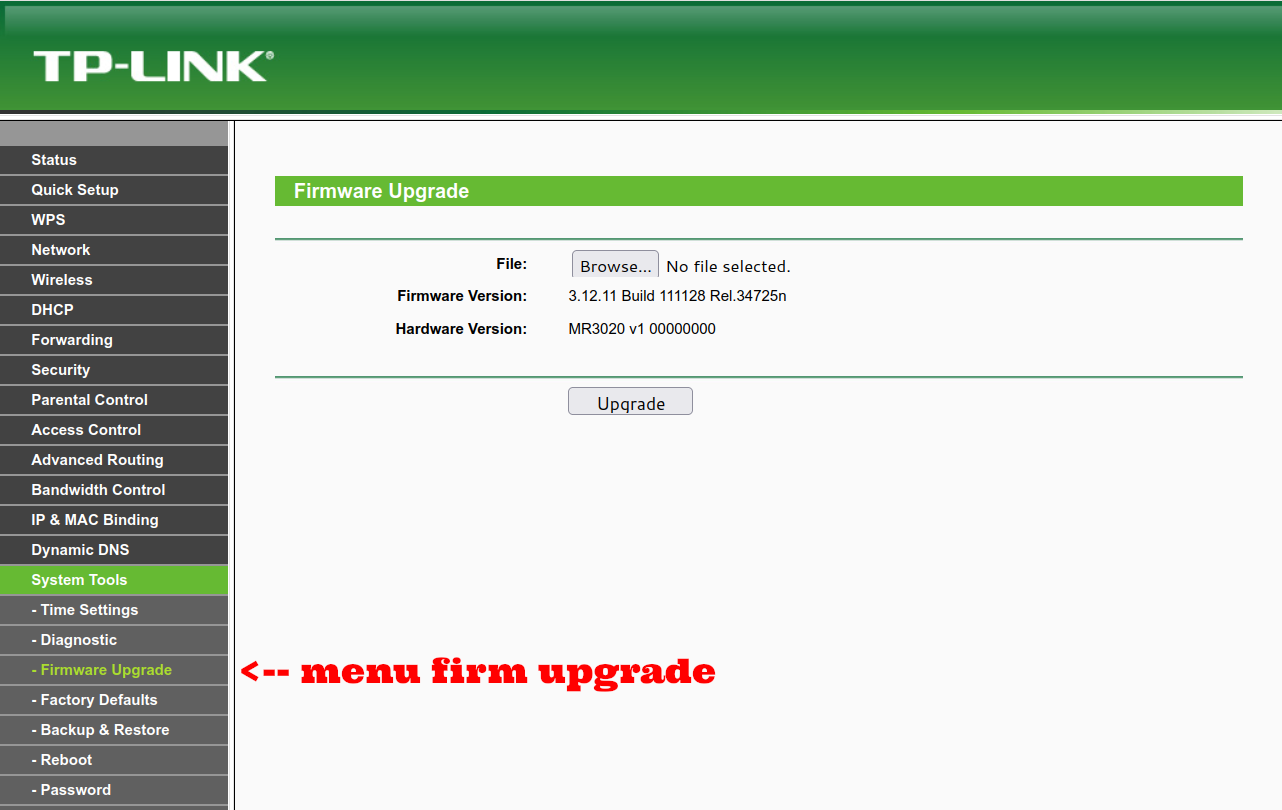
Select the upgrade firmware menu
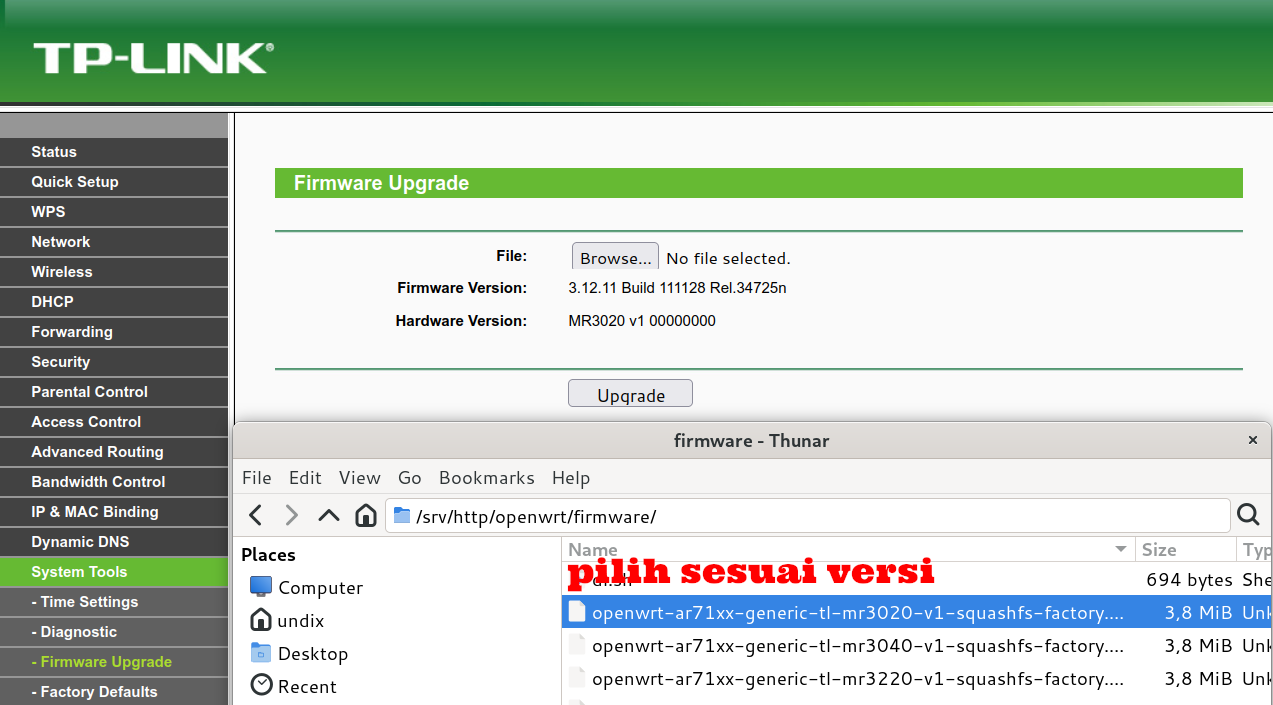
Upload into the provided blank
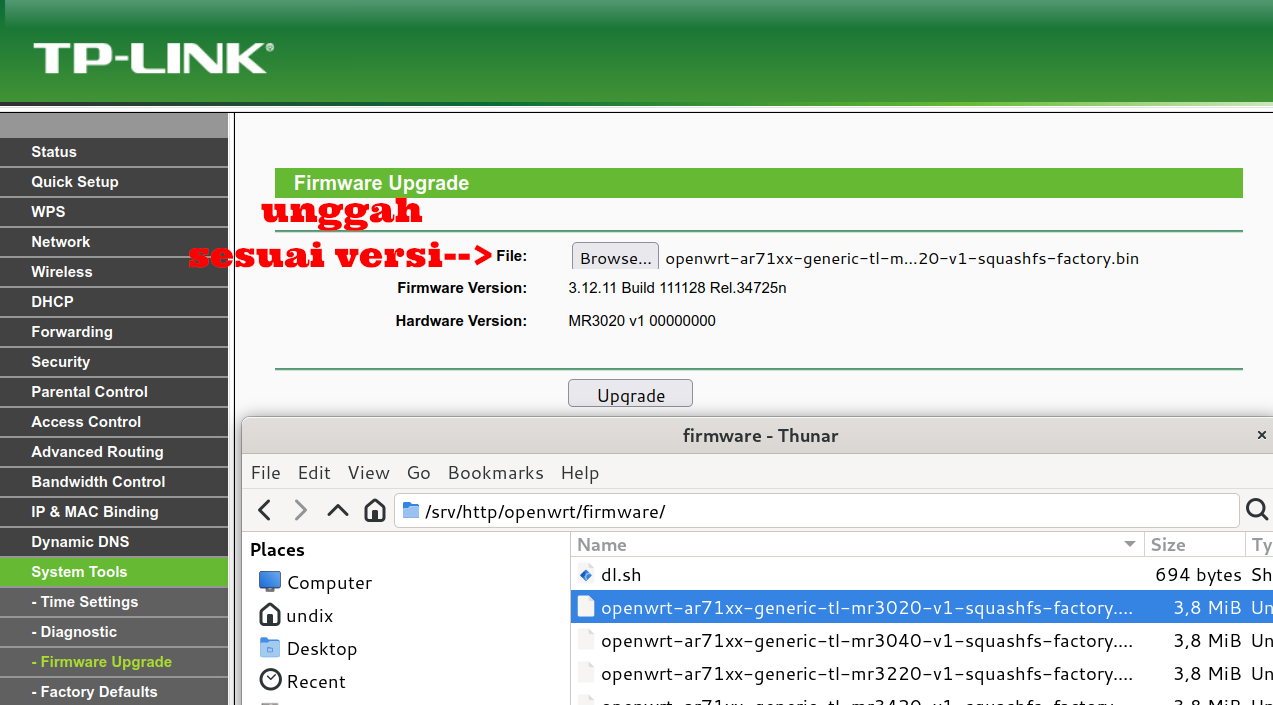
Tap upgrade
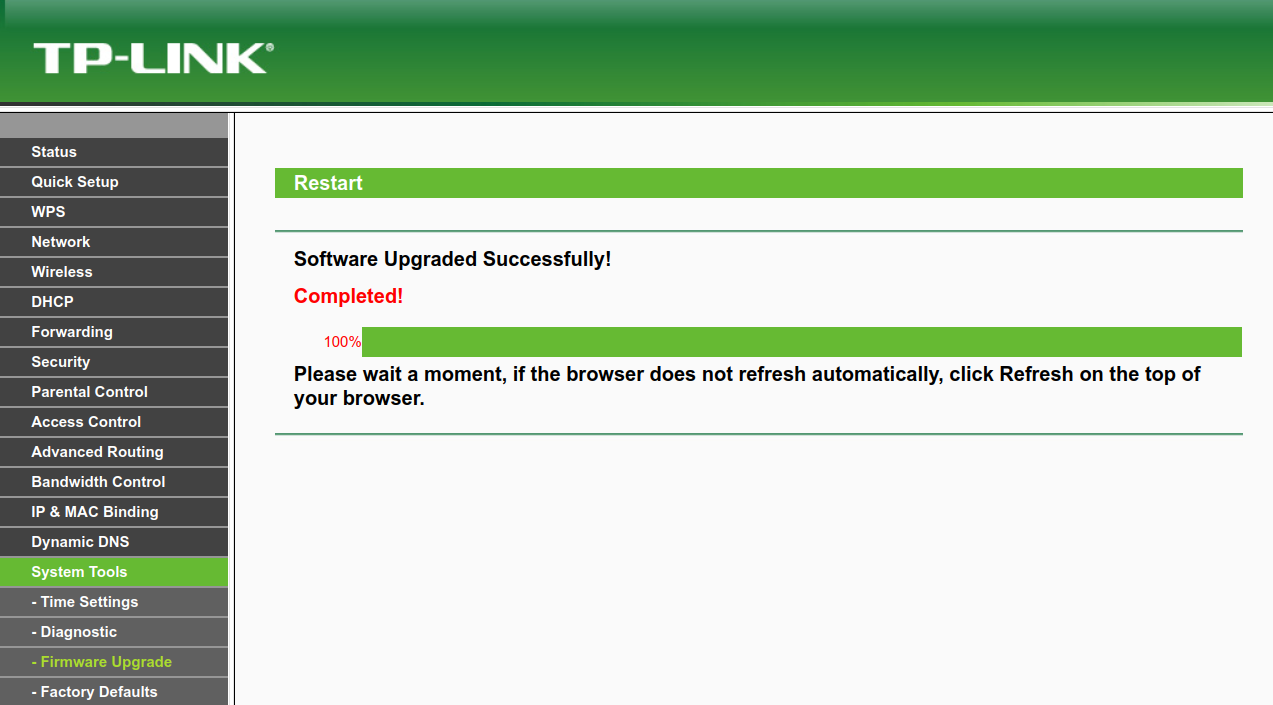
Check the new firmware by logging into http://192.168.1.1 through your browser.